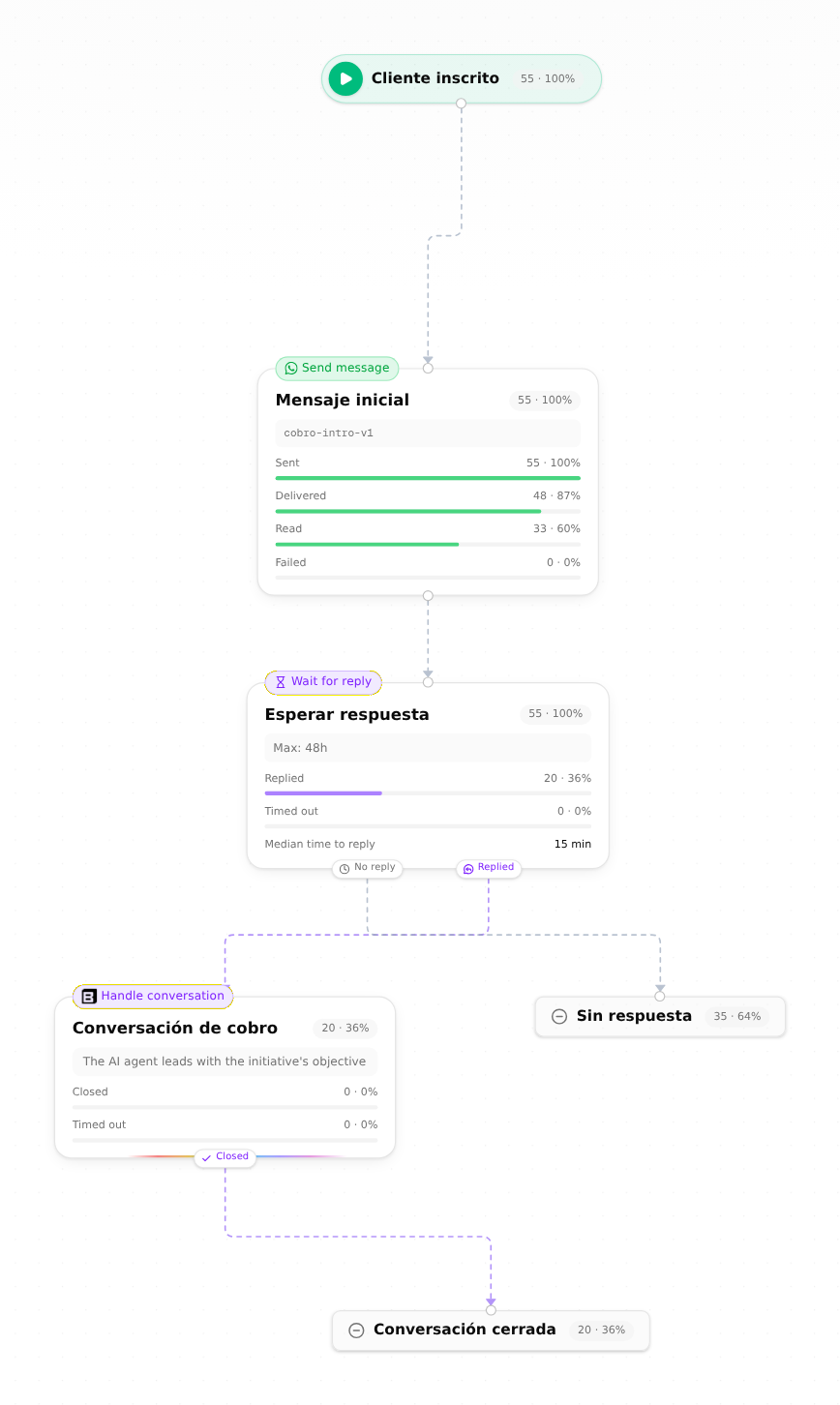
Boom can now receive email. When a customer replies to an email you sent from Boom, the reply lands in your Boom shared inbox, in the same conversation as the email it answers, so your team picks it up from one place. A journey can also wait for an email reply, the same way it waits for any other reply.
You can bring your support address too (for example support@yourbrand.com): forward it from Gmail, Google Workspace or Microsoft 365, and Boom checks every day that forwarding still works. Settings › Email is now a single setup list for replies, your support address and your sending domain, with a live status on each row, a test email you can send from the page, and setup instructions you can hand to your IT team.
Receiving email is in early access and turned on per workspace: an admin clicks Request access in Settings › Email. Read the setup guide.
Update (2026-11-07): receiving email is no longer by request. Any organization admin turns it on in Settings › Email › Replies › Turn on.